What Makes the KTC MEGAPAD Different from a Regular Portable Monitor Most portable monitors are just screens—they require an HDMI connection to a laptop or desktop to actually do anything.
The KTC MEGAPAD takes a fundamentally different approach by running Android 13 as a standalone operating system.
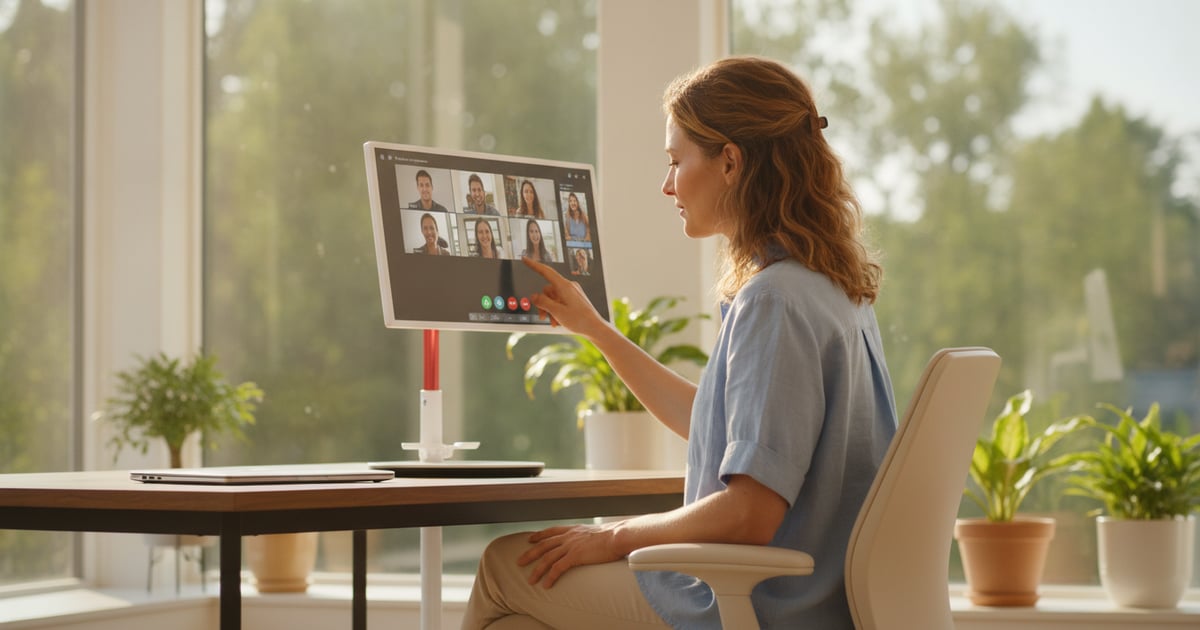
That means it functions as a complete computer right out of the box, with access to the Google Play Store, built-in Chromecast, and the ability to run apps, stream content, and handle video calls without ever connecting to another device.
Suggested Reading The 32-inch 4K touchscreen sits on a wheeled base, making it easy to roll between rooms rather than hauling a traditional monitor setup.
With 8GB of RAM and 128GB of storage powered by an octa-core CPU, it has enough horsepower to handle multitasking, presentations, and media streaming.
The Google EDLA certification ensures full compatibility with Google services and mainstream Android apps.
Related Content The built-in 9500mAh battery is what enables the room-to-room mobility.
You can unplug it, wheel it to a different space, and continue working or watching content without searching for an outlet.
It comes with a wireless remote control for convenient navigation when you're not using the touchscreen.
The Real-World Battery Life: What to Actually Expect Let's address the battery situation upfront: marketing materials for devices like this sometimes suggest up to 11 hours of battery life, but real-world testing shows you'll get approximately 3-4 hours during active use.
That's the honest expectation when you're streaming video, running apps, or using it as a workstation.
This doesn't make the battery useless—it just means you should think of it as enabling short-burst portability rather than all-day untethered operation.
The battery gives you the freedom to move the display from your home office to the kitchen for a recipe video, then to the bedroom for evening streaming, unplugging briefly during each transition.
It's designed for flexible room-to-room movement, not for taking it to a coffee shop for eight hours.
For most use cases where the MEGAPAD makes sense, you'll have it plugged in while stationary and only rely on battery power during those transitions between spaces.
If you need a device that runs unplugged for an entire workday, this isn't built for that purpose.
Who Should Consider This Mobile Display (and Who Shouldn't) The MEGAPAD makes the most sense for people who....